Tapo P115 Smart Plug Review: Energy Monitoring, Easy Setup and What to Know Before You Buy
Tapo P115 Smart Plug Review: Can This 4-Pack Show You Which Devices Use the Most Power?
Disclosure: As an Amazon Associate, I earn from qualifying purchases. If you buy through links on this page, I may earn a commission at no extra cost to you.
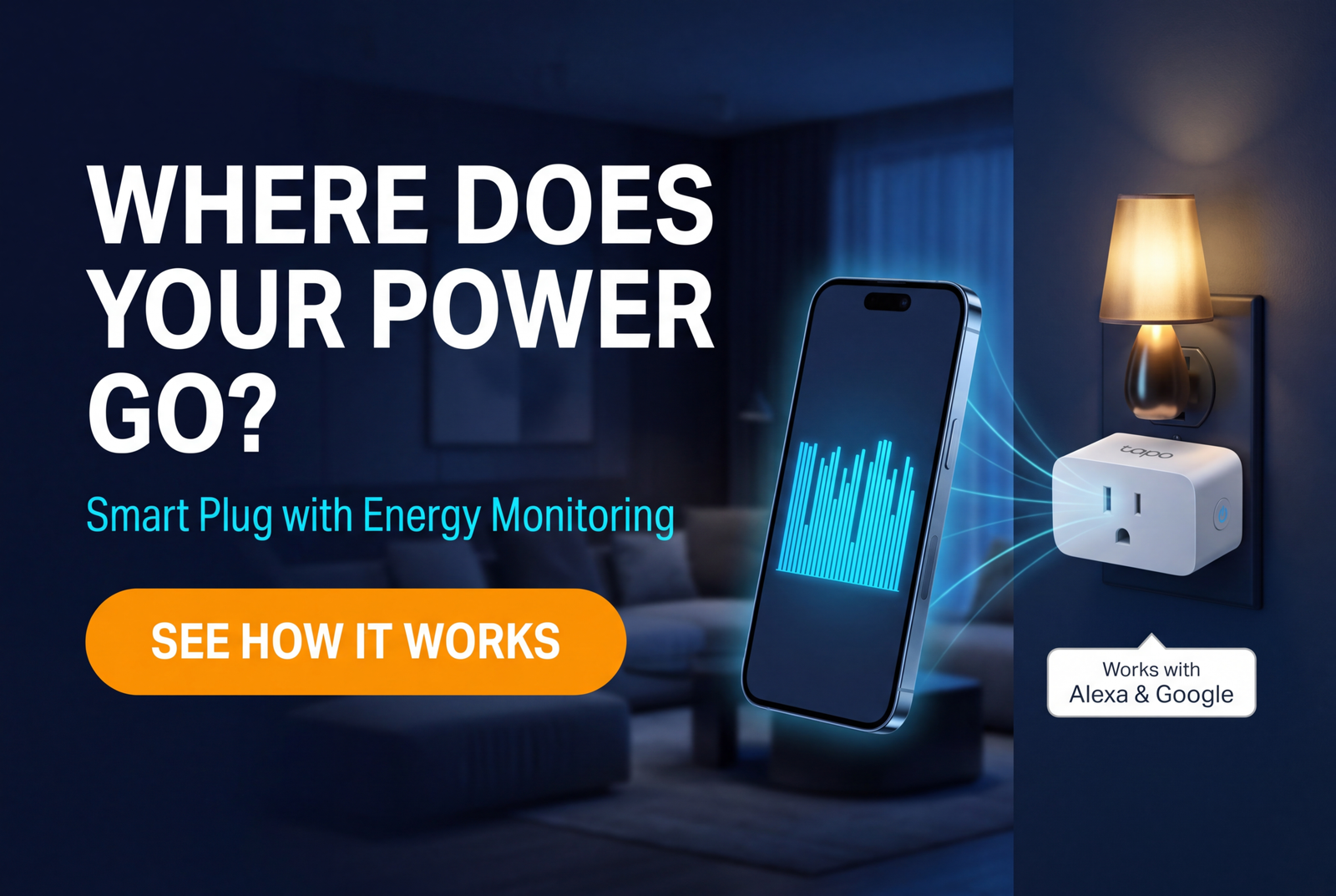
Your electricity bill arrives, and you have no idea why it is so high. Is it the old space heater, the gaming PC left on overnight, or the TV that never fully turns off? Most of us simply guess.
Smart plugs fix part of this problem. A basic one lets you switch things on and off from your phone. But one that also monitors energy use can show you where your power actually goes.
That is what the Tapo Smart Plug P115 (4-Pack) is built for. With an Amazon’s Choice badge, a 4.5-star average from more than 1,400 ratings, and thousands of recent buyers, it is one of the more popular options in its category. This review covers what it does well, where it falls short, and who should buy it.
What Is the Tapo Smart Plug P115?
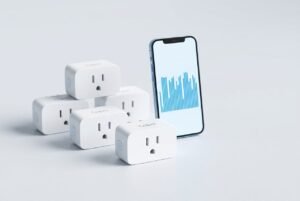
The Tapo P115 is a Wi-Fi smart plug with energy monitoring from TP-Link’s Tapo brand. You plug it into a wall outlet, plug a device into it, and control that device from the Tapo app on your phone.
The 4-pack gives you four plugs, so you can cover several devices around your home in one purchase.
Main Features at a Glance
- Energy monitoring to track usage by day and month in the app
- Wi-Fi control from anywhere with an internet connection
- Timers and schedules for automatic on and off
- Voice control with Alexa, Google Home, and Samsung SmartThings
- 15A rating with support for up to 1800W
- ETL certified for safety
- Compact design that is meant to leave room for the second outlet
Key Benefits: How It Improves Your Daily Life
1. See Where Your Electricity Goes
The standout feature is energy monitoring. The app shows how much power a connected device uses, so you can compare devices and spot the ones that use more than you expected. Knowing this is the first step to changing your habits.
2. Turn Things Off Without Getting Up
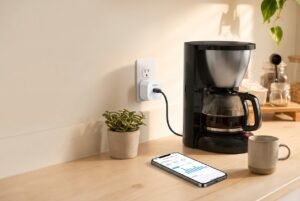
Left the coffee maker or a lamp on? Open the app and switch it off from the couch, the office, or the airport. It is a small convenience that removes a lot of low-level worry.
3. Automate Your Routine
Set schedules so lights turn on at sunset, a fan runs during the afternoon, or a charger switches off at night. Once set, you do not need to think about it again.
4. Hands-Free Voice Control
The plugs work with Amazon Alexa and Google Home, so you can say “Alexa, turn on the living room lights.” They also work with Samsung SmartThings.
5. Four Plugs, One Simple Setup
A 4-pack lets you start a real smart home setup without buying plugs one at a time. Every plug appears in the same app, so you can manage all of them in one place.
6. A Safe, Certified Build
The plug is ETL certified, which gives extra confidence when you connect it to everyday appliances. Always stay within the 15A and 1800W limits.
Why Users Love It
The P115 has a 4.5-star rating from over 1,400 customers. Buyers often mention the same points:
- “Easy to set up.” Most people connect it to Wi-Fi within minutes using the app.
- “The energy tracking is useful.” Seeing usage data changes how people think about their devices.
- “Reliable scheduling.” Timers run as expected once configured.
- “Works with my voice assistant.” Alexa and Google Home pairing is simple.
- “Small and neat.” It does not block the neighboring outlet in most cases.
My Personal Analysis and Review
I looked at this product from a practical buyer’s point of view: does it solve a real problem without making life more complicated?
What stands out:
- Energy monitoring at a low entry cost. Many basic smart plugs skip this feature, and it is the main reason to choose this model.
- Broad compatibility. Alexa, Google Home, and SmartThings support covers most households.
- Simple app experience. Setup and daily use are straightforward, even for beginners.
- Good multipack value. Four plugs cover a bedroom, a living room, and a home office at once.
- Strong buyer feedback. The rating and review count suggest consistent real-world performance.
What to keep in mind:
- 2.4 GHz Wi-Fi only. The plug does not connect to 5 GHz networks. Most routers support both, but check yours during setup.
- Not for every device. Respect the 15A and 1800W limit. For very heavy loads, read the manufacturer’s guidance first.
- Indoor use. Do not use it outdoors unless you protect it properly and follow the manual.
- Energy data is an estimate for awareness. It helps you compare devices, but it is not a replacement for a professional meter.
- App account needed. You will create a Tapo account to use the features.
Bottom line: If you want simple automation and a clearer picture of your energy use, this is a sensible and well-reviewed choice.
Specification Table
| Feature | Details |
|---|---|
| Brand | Tapo (TP-Link) |
| Model | P115 Smart Plug |
| Pack Size | 4-Pack (also sold as a 2-Pack) |
| Connectivity | Wi-Fi, 2.4 GHz only |
| Energy Monitoring | Yes, daily and monthly usage in the app |
| Rated Current | 15A |
| Maximum Load | 1800W |
| Voice Assistants | Amazon Alexa, Google Home, Samsung SmartThings |
| Scheduling | Timers and schedules |
| Remote Control | Yes, through the Tapo app |
| Safety Certification | ETL certified |
| Best For | Lamps, fans, chargers, coffee makers, small appliances |
Social Proof: Where This Smart Plug Excels
- Home offices: Switch off monitors, chargers, and desk accessories when the workday ends.
- Bedrooms: Schedule a lamp or fan, then control it by voice from bed.
- Living rooms: Group TV accessories and lights into simple routines.
- Renters and apartments: No wiring or installation, so it is easy to take with you.
- Energy-conscious households: Find out which devices use the most power.
- Travelers: Turn lights on and off remotely so the house looks occupied.
- Gift buyers: A practical, low-effort smart home starter for friends and family.

Tips to Get the Best Results
- Connect to 2.4 GHz Wi-Fi. If setup fails, check which network your phone is using.
- Name each plug clearly. “Desk Lamp” is easier for voice control than “Plug 3.”
- Check device wattage. Make sure each appliance stays within the plug’s limit.
- Start with the biggest suspects. Monitor older appliances and always-on electronics first.
- Build simple routines. Start with one schedule, then add more as you get comfortable.
Final Verdict: Is It Worth Buying?
If you want to automate your home and understand your energy use, the Tapo Smart Plug P115 4-Pack is a strong, practical choice. It combines energy monitoring, Wi-Fi control, scheduling, voice assistant support, and certified safety in a compact plug, with enough units to cover several rooms.
It will not replace a full smart home system, and it works only on 2.4 GHz Wi-Fi. But for everyday convenience and clearer insight into your power use, it is an easy upgrade.
Ready to make your home a little smarter? Check the current price and availability below.
As an Amazon Associate, I earn from qualifying purchases.